
Post your desktop/background!

Recommended Videos

GameMaNiAC

New member
Sep 8, 2010
599
0
0

I think you all can guess which game I'm a fanatic of.

The resolution is smaller in this version, of course. If someone wants the full one, feel free to ask.

 

Keepeas

New member
Jul 10, 2011
256
0
0
I have a desktop rotation, here are a few:


I'm beginning to notice a pattern....


MorphingDragon

New member
Apr 17, 2009
566
0
0
Lucem712 said:
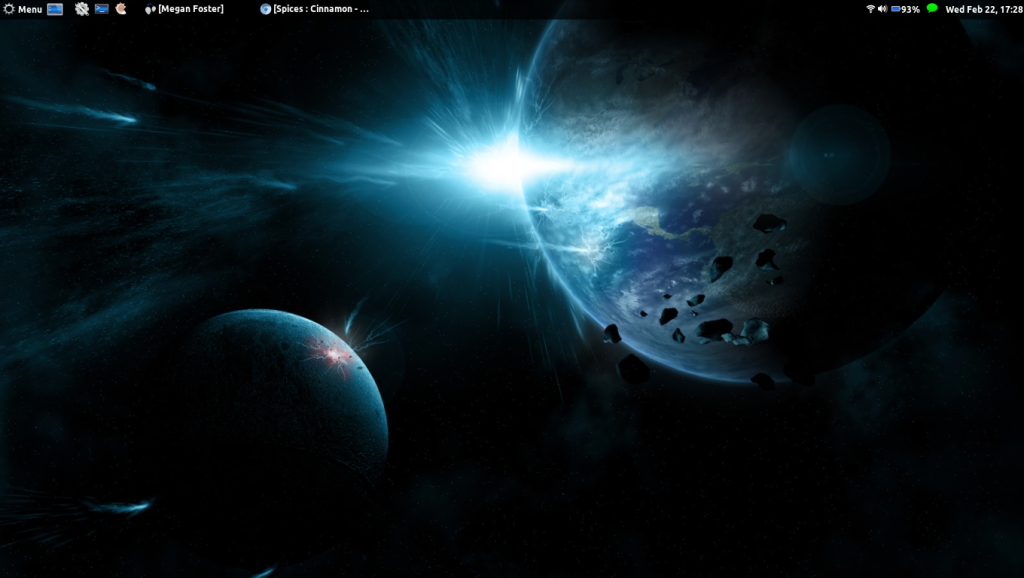
I'm afraid I haven't had any first hand experience with cinnamon (Linux Mint, right?) I have been wanting to try it out, but I'm waiting for the new Ubuntu release to come out before I take a break :)
There are ubuntu packages too.

http://cinnamon.linuxmint.com/?page_id=61
 

Lucem712

*Chirp*
Jul 14, 2011
1,470
0
0
MorphingDragon said:
Lucem712 said:
I'm afraid I haven't had any first hand experience with cinnamon (Linux Mint, right?) I have been wanting to try it out, but I'm waiting for the new Ubuntu release to come out before I take a break :)
There are ubuntu packages too.

http://cinnamon.linuxmint.com/?page_id=61

Oooh! Epic. I wasn't aware of this, thanks mate.


keve4433

Not totally insane....YET!!!
Dec 9, 2009
249
0
0

I generally don't have any kind of theme or anything, just pictures I like!
 

SpAc3man

New member
Jul 26, 2009
1,195
0
0
I have used this for a while. Slightly edited for 16:9 display.
I did have this a while ago. For nostalgic purposes.
 

Truth Cake

New member
Aug 27, 2010
205
0
0
metsplayer1 said:
I still can't get this to work, anyone know how i can set a picture? i tried a screenshot and dragging it in, but that didn't work.
Ravenseeker said:
I'm an idiot who can't figure out how to post the pictures so I'll just ask where everyone gets their pics from and for some help on the pics.
Synyster said:
sorry I'm still pretty noobish about this sorta stuff, how do I post pics in a spoiler tag?
I don't know if anyone's helped you guys out yet, so I'll just post instructions here:

first, the spoiler tags are brackets [ ] (<< those things) around the word "spoiler" (minus quotation marks) before what you're putting in the spoiler section of your post, then brackets around "/spoiler" (again, minus quotes) after whatever you're putting in the spoiler section.

second, the image tag is the same thing but with "img" and "/img" around the address for the picture, you'll want to put them in between the spoiler tags so it doesn't take forever to load the page and such with all the pictures :p.

third, in between the img tags you put in the ADDRESS of the picture- I think the easiest way to do this is to go to wherever you got the pic, right click and go to 'properties', and the address should be in the box that pops up, so jsut copy-past it in between the img tags and you're good to go.

OR you could do what I did my first time and quote someone else, get rid of the quote tags and all their text, and replace their image inside the spoiler and img tags with your own image. Works just as well, but you still gotta find the address of the pic.

EDIT-
The Drifter said:
wait, how do you post an image? im sorry, im a complete noob at this....

You too, I refer you to the instructions above for guidance, I hope it helps!
 

Innocent Bystander

New member
Jan 29, 2012
59
0
0
I was wondering how long it would be before Homestuck put it an appearance. Your wallpaper is awesome and you should feel awesome
 

Innocent Bystander

New member
Jan 29, 2012
59
0
0
I have mine on a pretty constant rotation, but here's a few of the highlights
salinv said:
P.S. I apologize if there's some screw-up with the images, I'm new at this.

That One Six said:
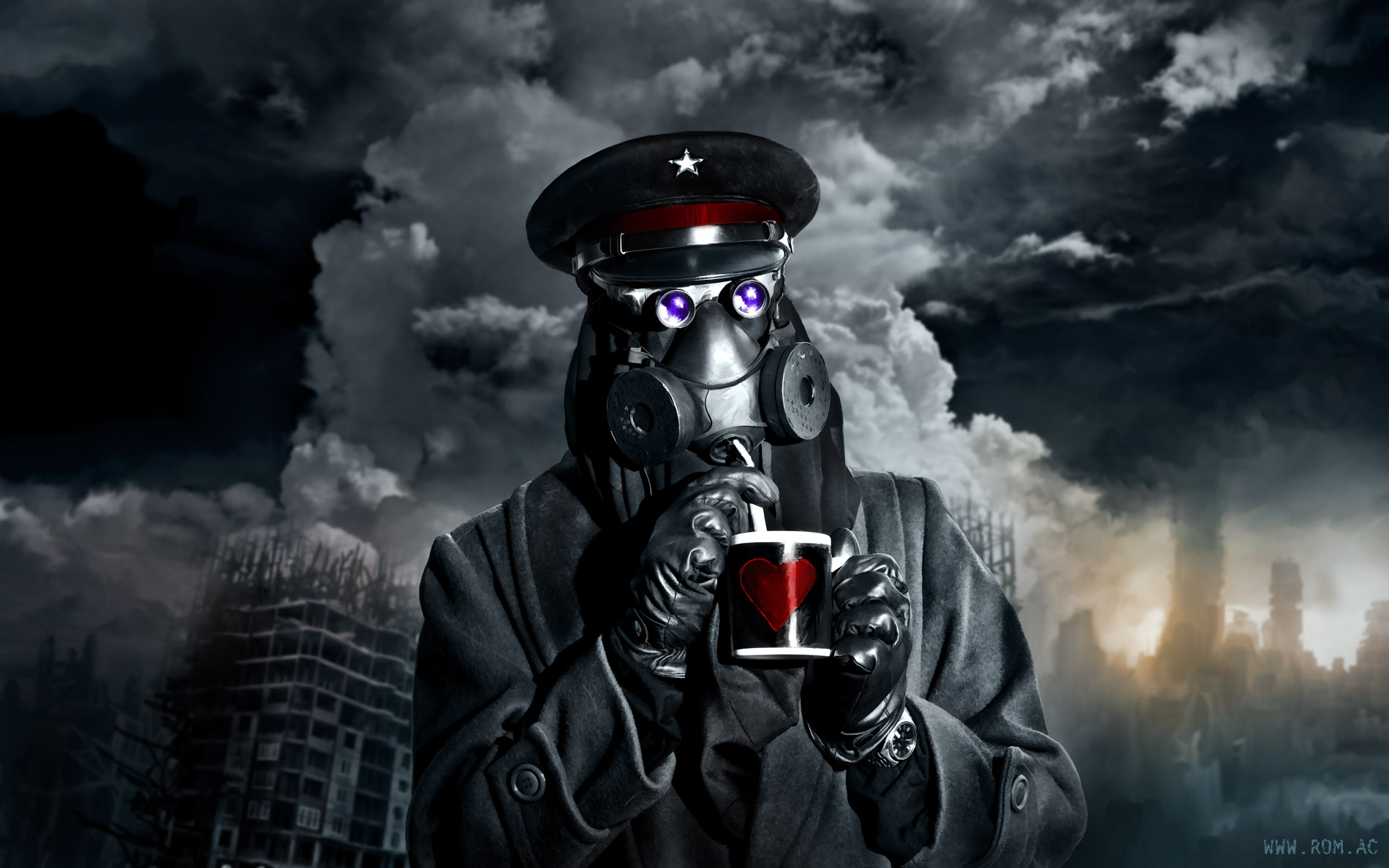
My desktop background is a simple, wholesome picture of a man enjoying a hot beverage with the only non-irradiated straw within 10,000 miles.
Grah, and I thought that first one was being unique..
Can I join?