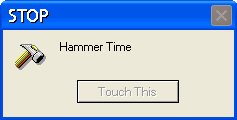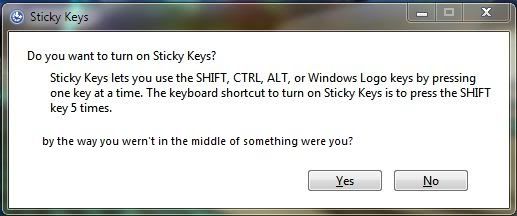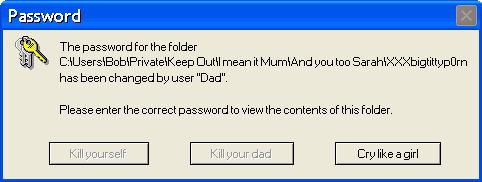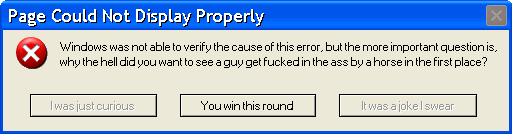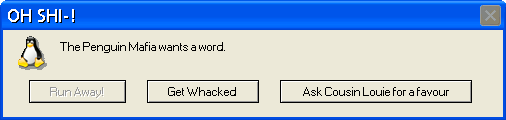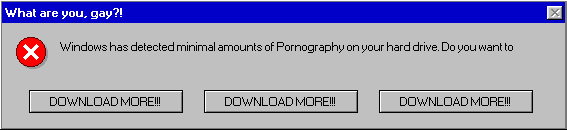
Make Your own Windows Error Message!

Recommended Videos

Earthbound Engineer

New member
Jun 9, 2008
538
0
0
Pm0n3y said:


I Just found this site where you finally exhibit how shitty Windows is!

Here's the site: http://atom.smasher.org/error/
Check it out for yourself!
I write my own in MS DOS. If you're interested, the format for Windows is lol=msgbox("Your Message Here",16,"Your Title Here") You can also add a script in there such as
"shutdown -s -t 10". That will obviously shut down the computer, and the number is the amount of seconds it will take. Save that as a "vbs" file and you're good to go.

Edit: Here's one that I just made.


SomeGuyNamedKy

New member
Sep 25, 2008
791
0
0
http://atom.smasher.org/error/?icon=Error3&style=xp&title=Computer+is+broken&text=You+did+something+you+weren%27t+suppose+to+and+look+what+happened.+Idiot.&b1=&b2=&b3=No%2C+I+will+not+fix+your+computer.&b3g=x

Not very good, but whatever.
 

Kuchinawa212

New member
Apr 23, 2009
5,407
0
0
Fallenangel157 said:
how do you post a picture????
I suggest creating a photobucket account
Then click on the upload picture icon and upload a picture from you computer to your photobucket account. Once that is done scroll over the pic and see the copy the text next to IMG. (it should start with [IMG ]) then just past that into your post and POW you're set
 

urithe

New member
Nov 3, 2008
61
0
0
http://atom.smasher.org/error/xp.png.php?icon=tux&style=xp&title=Attention&text=There+is+a+penguin+in+your+computer+and+he+thinks+your+hard-drive+is+a+fish%2C+what+do+you+want+me+to+do%3F&b1=Do+a+reboot&b2=Find+fish&b3=Kill+penguin
 

SomeGuyNamedKy

New member
Sep 25, 2008
791
0
0
http://atom.smasher.org/error/?icon=fortunecookie&style=xp&title=Cookies%21&text=Can+I+haz+cookie%3F&b1=&b2=Yes&b2g=x&b3=No

Haven't seen this one yet either.
 

Pm0n3y

An emaciated shadow
Jul 29, 2009
6,344
0
0
punkhead58 said:
I write my own in MS DOS. If you're interested, the format for Windows is lol=msgbox("Your Message Here",16,"Your Title Here") You can also add a script in there such as
"shutdown -s -t 10". That will obviously shut down the computer, and the number is the amount of seconds it will take. Save that as a "vbs" file and you're good to go.
Care to show an example of this process, good sir?

And here's some cake for you: